
Cost Control for Your Supergraph
TL;DR
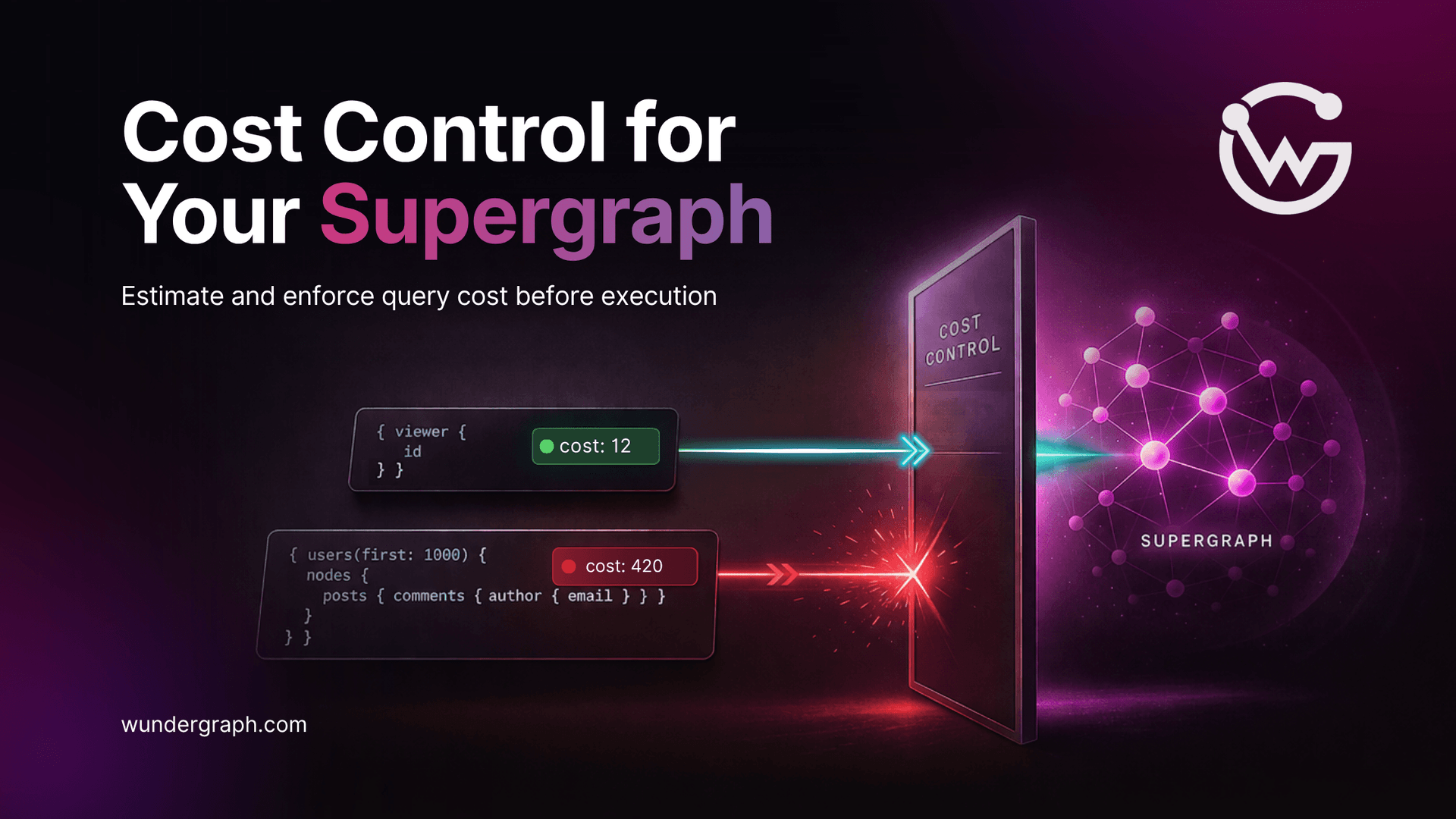
Cost Control prevents overly expensive operations in a Supergraph by estimating the cost of each request and rejecting operations over the set cost limit in Enforcing Mode. The router uses a default algorithm based on IBM’s GraphQL Cost Directive specification, with support for customization through @cost and @listSize directives, and each operation can be assigned a cost weight corresponding to the resources used in production. Estimated cost is computed at planning time and remains static, while actual cost is recorded from subgraph responses and is dynamic based on real response sizes.
Graphs are always growing. You may have many clients using your Supergraph, and if they send complex queries, costs can quickly get out of hand. We introduce the Cost Control feature to secure your Supergraph from overly expensive operations.
With this feature enabled, the Cosmo Router computes the estimated cost for every incoming request. If the operation exceeds the set cost limit, Cosmo rejects it, preventing overload. At the same time, it measures the actual cost, which can be used by your systems in different ways.
Imagine you have a large Supergraph, a bunch of customers, and one of these problems:
- You see spikes of requests from customers that put the infrastructure into a coma. Scaling resources won’t help because those spikes last only a few minutes. You want to throttle these customers, and use query complexity as a signal.
- Your federation runs fine, but just a few times a day there is a sudden increase in the latency of requests. You do not know why and want to observe which requests are putting pressure on your subgraphs.
- You have customers using your federation, and you want to bill them based on how complex their requests are. Each customer has its own patterns of usage, and you cannot tier them into packages. You need a flexible, pay-for-resources model.
- You have a complex Supergraph with a possibility to nest lists deeply. This can explode response sizes, and it can be abused. And yet, you don’t want to exclude all the users from this flexibility, only the cases where it is abused.
These problems look different, but the solution can be shared. By implementing a cost algorithm for your Supergraph, you can address all of them.
To enable Cost Control in your router config, see the setup guide .
The Cosmo Router implements a default cost algorithm based on IBM’s GraphQL Cost Directive specification . Users can customize how costs are calculated using the @cost and @listSize directives. Each operation can be assigned a cost weight corresponding to the resources used in production.
The Router computes the estimated (static) cost for every operation at planning time. Estimations are static because list sizes are static.
There are two modes for this feature.
In Measuring Mode, the estimated cost is recorded, but nothing is rejected. The cost appears in response headers, OTEL metrics, or custom modules. This mode helps you determine limits or build custom rejection logic.
Enforcing Mode rejects an operation over the set cost limit before the execution starts.
Additionally, the Cosmo Router records actual (dynamic) cost based on the response it got from subgraphs. This can be used for billing based on real usage. The value is dynamic because response sizes vary.
To learn more about Cost Control, check out our documentation .
Given this schema:
How are costs calculated when a user sends the following request?
All fields have default values assigned to them. In our example, the Product type has the assigned weight of 5. This value applies whenever the type is used. The products field returns a list. This means every child in the selection is multiplied by the expected list size. The @listSize directive tells the router to set the list size to the value of the first argument, 20 in the query. Otherwise, it would fall back to estimated_list_size from the router config.
The estimated cost is composed of:
Substituting with numbers, the estimated cost is 160:
Actual cost is calculated the same way, but uses real list sizes from the response instead of static multipliers.
Suppose that the response has 16 products. In that case, the actual cost would be 128:
To learn the nuances of calculation, refer to IBM’s GraphQL Cost specification and our documentation .
Frequently Asked Questions (FAQ)
In Enforcing Mode, the router rejects an operation over the set cost limit before execution starts.
In Measuring Mode, the estimated cost is recorded, but nothing is rejected; it shows up in response headers, OTEL metrics, or custom modules, and can be used to estimate the maximum limit or to set up a custom module to reject operations based on other factors. In Enforcing Mode, the router rejects an operation over the set cost limit before execution starts.
The Router computes estimated (static) cost for every operation at planning time; estimations are always static because list sizes are static. The Cosmo Router records actual (dynamic) cost from subgraph responses; it can be used to bill customers with actual usage. This score is dynamic—every response contains lists of different sizes.
Cosmo Router implements a default cost algorithm based on IBM’s GraphQL Cost Directive specification. Users can customize how costs are calculated with `@cost` and `@listSize` directives. Each operation can be assigned a cost weight corresponding to the resources used in production.
Senior Software Engineer at WunderGraph
Yury is a Senior Software Engineer at WunderGraph with 20+ years of expertise in backend systems, compilers and computer languages. He focuses on Cosmo’s query planning engine.


