
Create the flag
To apply a feature subgraph to a supergraph, it must be composed into a feature flag. A feature flag is a collection of one or more feature subgraphs. When the flag is enabled, each of those feature subgraphs becomes active; when it is disabled, they become inactive.
Create my-feature-flag:
A few things to note:
--feature-subgraphstakes one or more space-delimited names. A flag can bundle several feature subgraphs.--enabledactivates the flag now. Without it, flags are created disabled to avoid accidental compositions; you would enable later withwgc ff enable my-feature-flag --namespace feature-flags-demo.
Flags are independent
Each feature flag is bespoke. A feature subgraph can belong to more than one flag. Toggling one flag does not affect another, even if they share feature subgraphs.
What just happened
Because the flag is enabled, Cosmo triggered two compositions: a recomposition of the base demo graph and a composition that includes the feature flag. A successful feature-flag composition embeds a feature flag configuration inside the base router execution config—so your already-running router picks it up automatically.
Both compositions must succeed
If either the supergraph base composition or the feature-flag composition fails, the feature flag configuration is not produced (or accessible) to the router.
Verify in the Studio
Open your demo graph in Cosmo Studio (namespace feature-flags-demo) and you should see the feature flag listed and enabled. You are now ready to serve it.
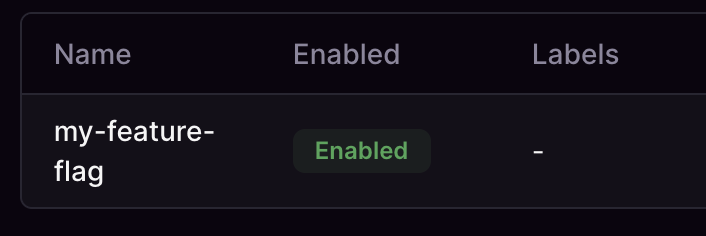
The feature has been published and composed into an enabled flag. Your Cosmo Router already has both schema versions, and decides which to serve per request.
In the next and final part of our exercise, we'll see the feature flag in action by querying both the base subgraph products and our feature subgraph products-fs.
Task
Confirm your setup